 TipTill
Tip tracker for servers & bartenders
Know your real take-home.
Cash, card, tip-out and hours. Log a shift in 10 seconds and see what is really yours.
 Coming soon
In App Store review. Free, everything included.Free. Everything included. iPhone, iOS 26.
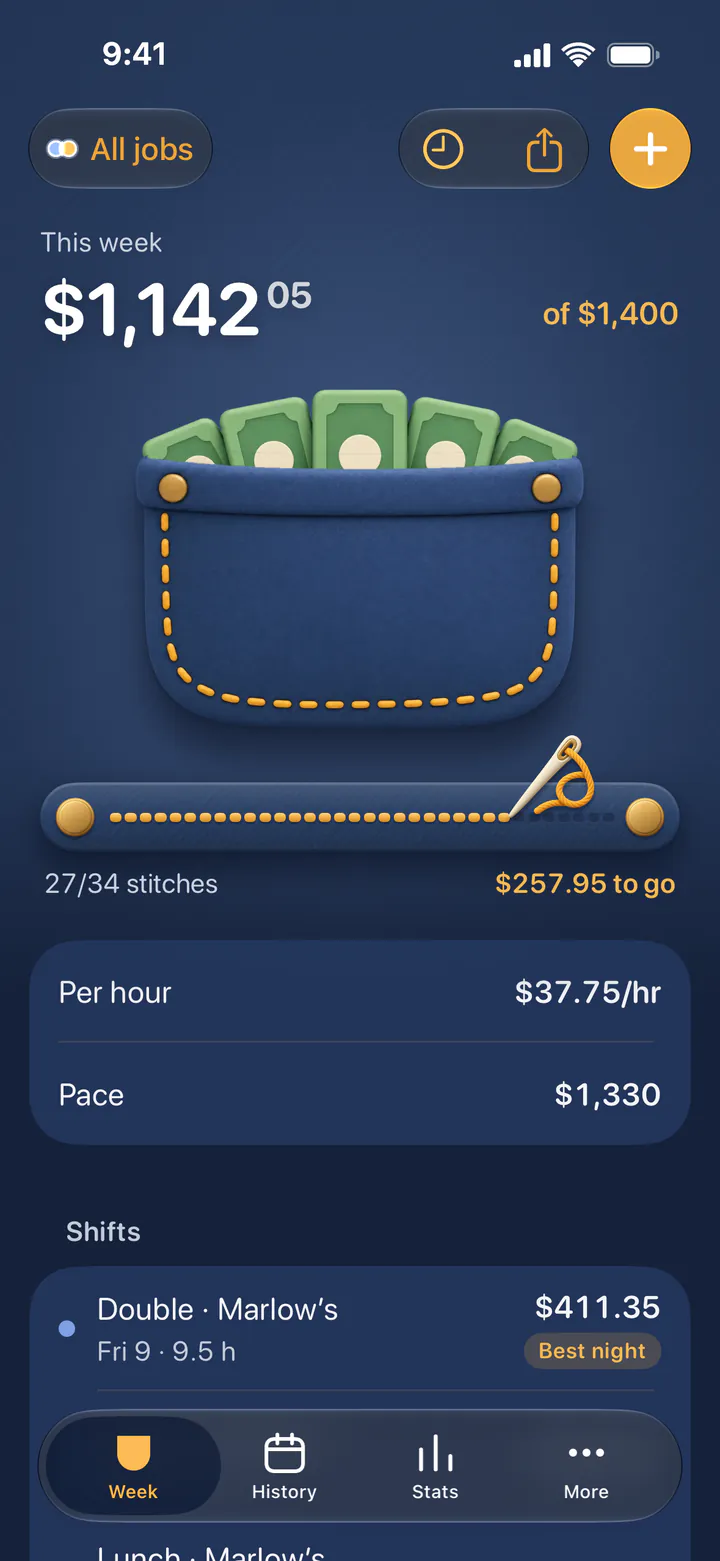





- Take-home after tip-out
- Tip pool by hours
- Paycheck check
- No Tax on Tips tracker
- Widgets & Live Activity
- No account, no tracking
- CSV import & export
- English & Deutsch
- Free, everything included
Log a shift
Log a shift in 10 seconds
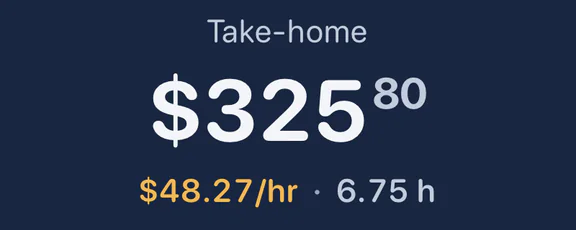
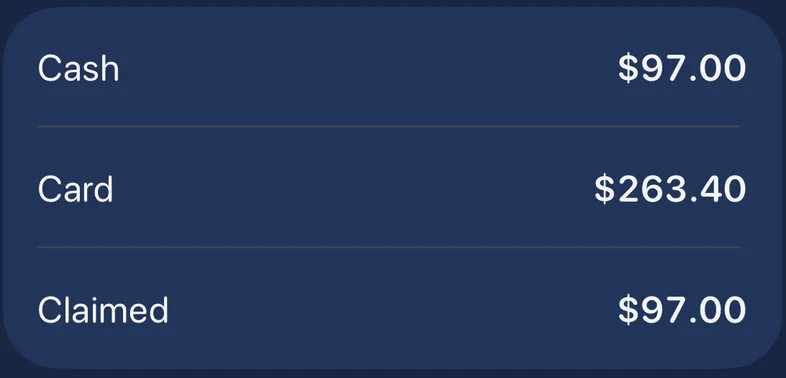
Cash, card, hours and sales on one sheet with big keys. You see your take-home before you save.
- Say it: “97 cash, 263 card, 6 hours”
- Or scan your checkout slip. Both are read on your iPhone
- Overnight shifts, breaks and doubles

Tip-out & tip pool
Tip-out & tip pool, done right
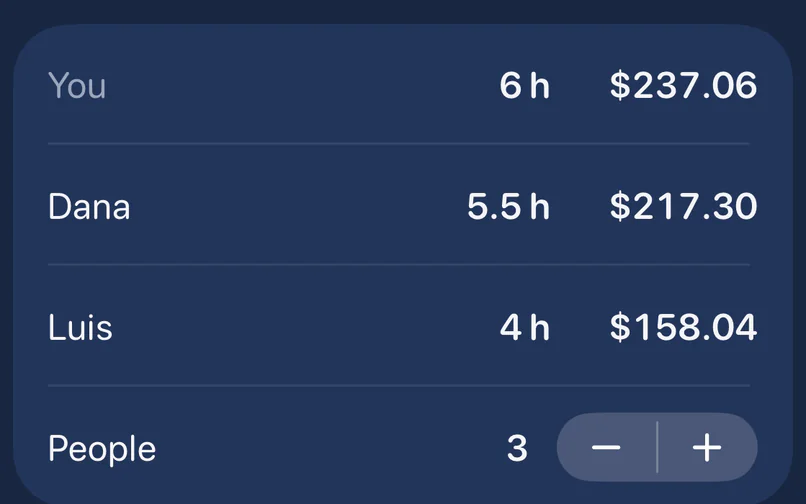
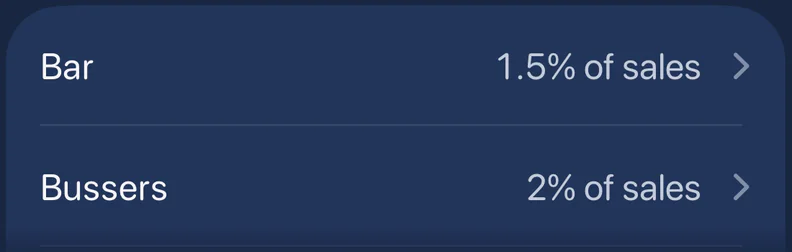
Rules per job: % of sales, % of tips or a fixed amount. Split a pool equally, by hours or by points.
- Several recipients: busser, bar, runner
- Rounding the way your house does it
- Support staff can log the share they receive

Weekly goal
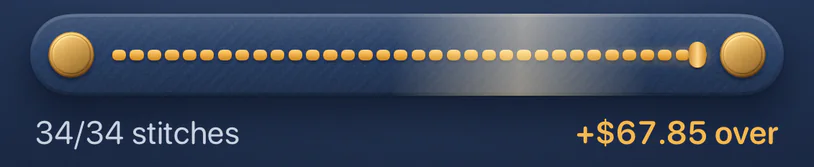
Sew your weekly goal
Every shift adds stitches to a gold seam. Save a shift and see what just landed in your pocket.
- Bills rise in the pocket as your week fills
- Your pace, and what each shift left needs
- Tap the pocket and make it rain



Pay period
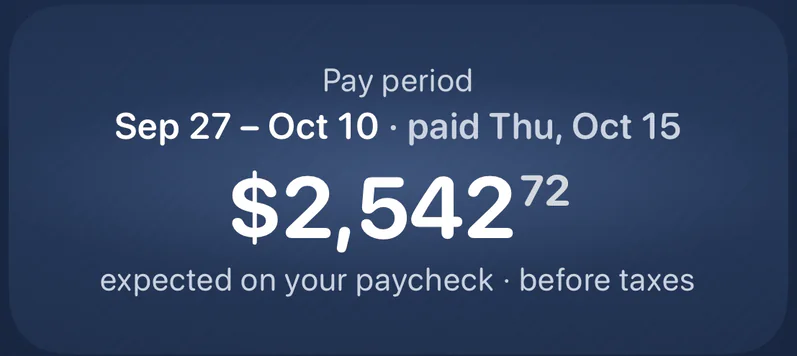
Check your paycheck
Wage, overtime and card tips for every pay period, before taxes. Then check it against your pay stub.
- Weekly, every 2 weeks, twice a month or monthly
- Any custom date range
- Calendar of every night, with your best ones


No Tax on Tips · US
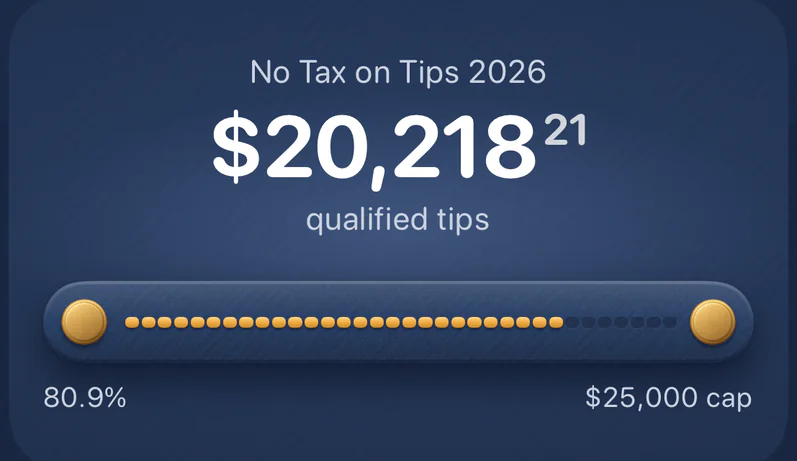
No Tax on Tips tracker
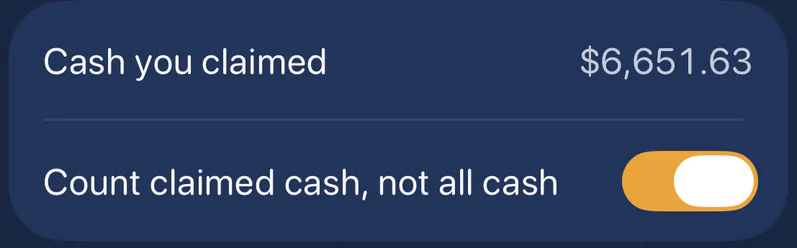
How much of the $25,000 federal deduction your qualified tips use this year, with tip-outs subtracted and service charges left out.
- Monthly tip statement and daily tip record as PDF
- Year summary for your tax pro
Estimates for your records, not tax advice. Social Security and Medicare taxes still apply. Ask a tax professional about your situation.


Stats
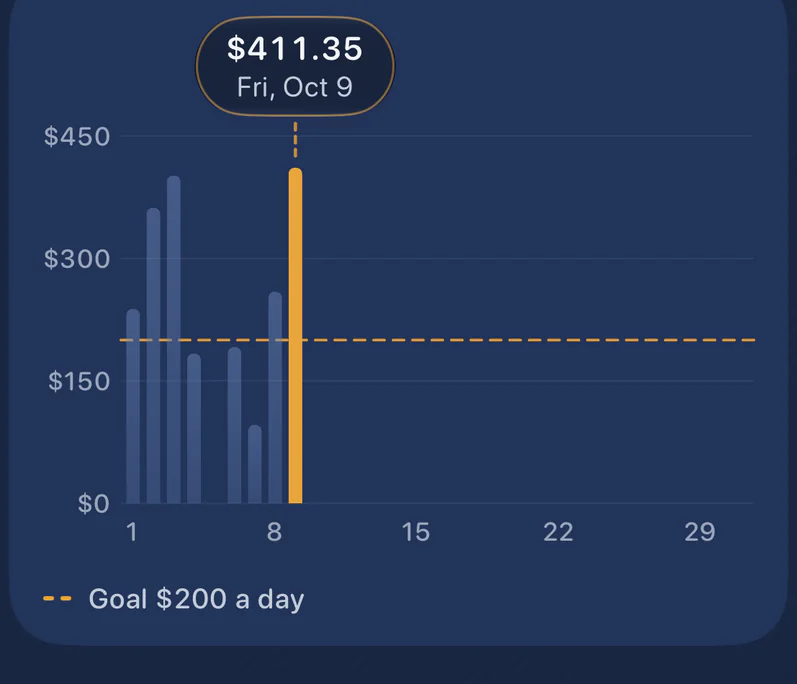
See your best nights
Day, week, month or year. Tap a bar to see that night.
- Real hourly, with tip-out taken out
- Averages by weekday and by shift
- All-time bests, by job


Widgets & Live Activity
Always one tap away
Home and Lock Screen widgets, a clock-in Live Activity in the Dynamic Island, Control Center and Siri Shortcuts.
- Hide amounts on the Lock Screen
- Clock in when you start, log when you close


Private by design
No account. No tracking.
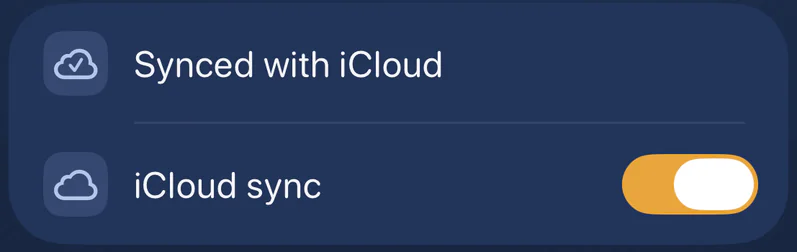
Your shifts live on your iPhone and in your own iCloud. We can’t see them.
- Face ID lock
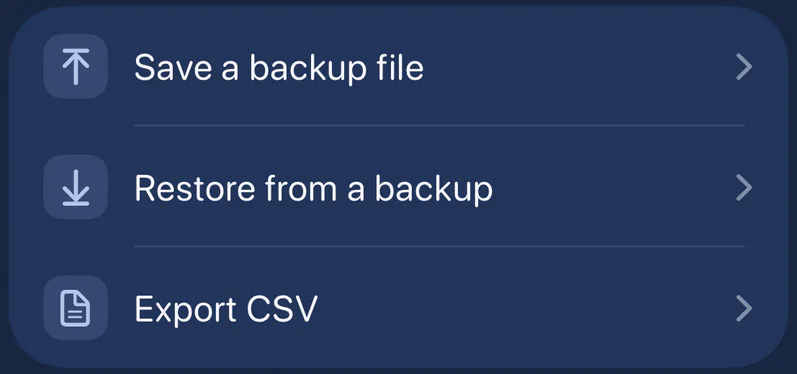
- Backup file and CSV export, any time
- CSV import from other tip apps, with a preview


Common questions
Straight answers.
Short answers about the app, your data and taxes. More on the support page.
01Is TipTill free?
Yes. Everything is included: logging, tip-out and tip pool, pay periods, stats, widgets and export. No subscription, no in-app purchases, no ads.
02Do I need an account?
No. Open the app and log your first shift. There is no sign-up, no email and no password.
03Where is my data?
On your iPhone and, if you turn on sync, in your own private iCloud. We have no server that receives your shifts, and we can’t see them.
04Can I import from another tip app?
Yes. Export a CSV from your old app, then import it in TipTill under More. You see a preview of every column before anything is saved.
05Is it in English and German?
Both. TipTill follows your iPhone’s language and shows amounts in your currency.
06Is the No Tax on Tips tracker tax advice?
No. It gives estimates to help you keep records. Social Security and Medicare taxes still apply. Check your situation with a qualified tax professional.
07How do I delete my data?
In the app: More → Backup & sync → Delete all data. With iCloud sync on, this removes it from your iCloud too.

Hi, I’m Tip. I’ll keep count of every shift.
Your next shift, counted.
Free to download. Everything included. No account, no ads.
Coming soonIn App Store review. Free, everything included.Free. Everything included. iPhone, iOS 26.